

Hi! My name is Evgenia Novosiletskaya, and I'm an analyst at Epoch8. In our practice, we often face the same problem: companies collect a huge number of analytical events, but they are often poorly documented or not documented at all. As a result, understanding what works and how, especially for novices, is challenging.
Working with poorly organized data made us realize the importance of proper naming and documentation of analytical events. Essentially, it is the basis for obtaining accurate and useful data, which ultimately helps make informed business decisions and generate profit.
In this article, we will discuss the five key principles that we apply when working with events.
Working with poorly organized data made us realize the importance of proper naming and documentation of analytical events. Essentially, it is the basis for obtaining accurate and useful data, which ultimately helps make informed business decisions and generate profit.
In this article, we will discuss the five key principles that we apply when working with events.
- A Single Source of Event Documentation
Create a single repository for documenting all events (whether it's Notion, Confluence, a Google document, or an analytics system with a built-in tracking plan) and use it as the only source of truth.
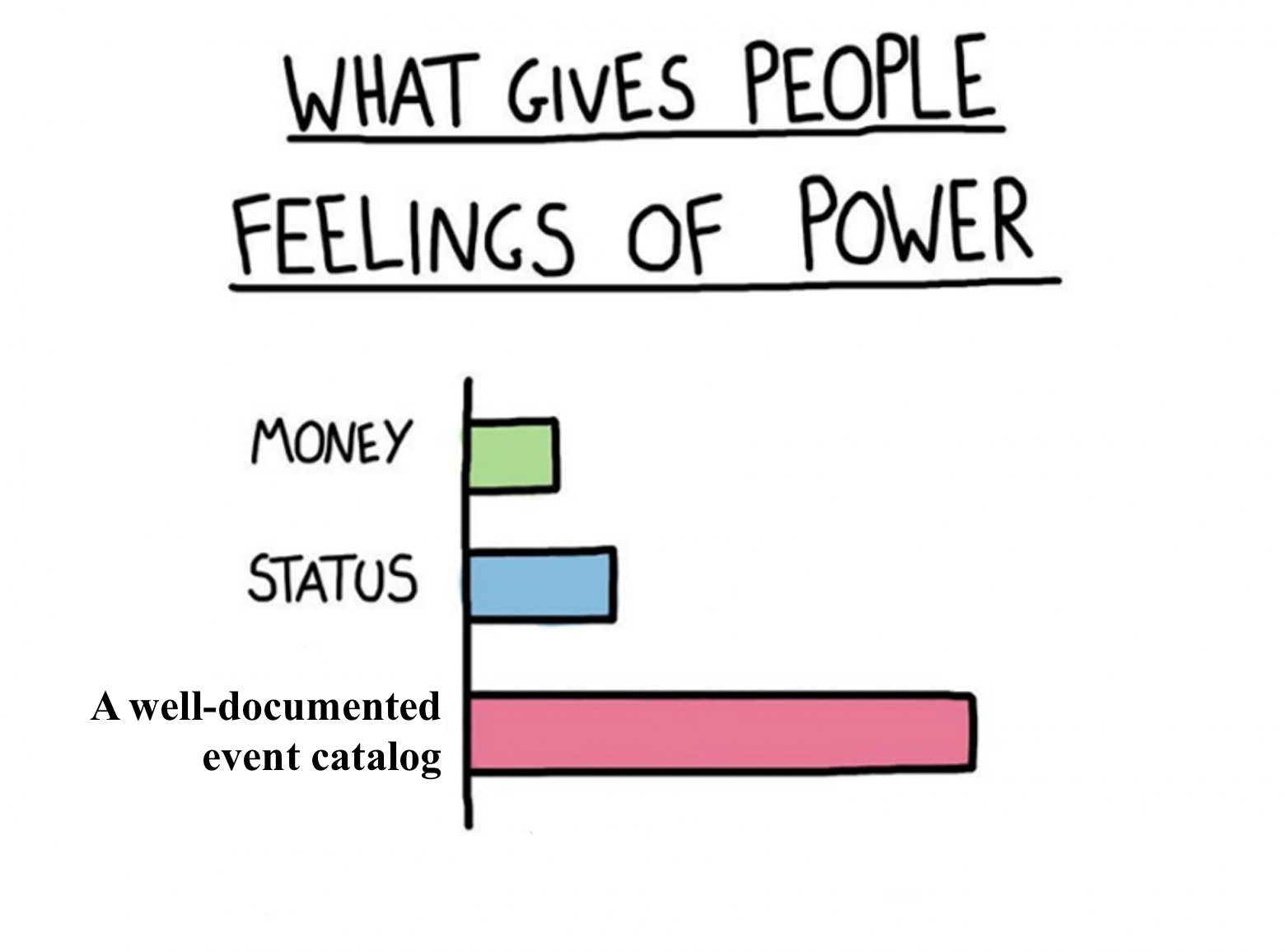
Often times, the analytical events or their changes are described only in development tasks or in documents of different product teams. Collecting all this information takes time for analysts. A knowledgeable and experienced specialist may keep everything in their head, but when a new employee joins, there are more questions than answers—especially when it comes to tasks at the intersection of several product teams.
A single source of documentation allows all teams to work with it, effectively manage development, and implement changes. The structure can be whatever suits you best or what the analytics system provides.
Often times, the analytical events or their changes are described only in development tasks or in documents of different product teams. Collecting all this information takes time for analysts. A knowledgeable and experienced specialist may keep everything in their head, but when a new employee joins, there are more questions than answers—especially when it comes to tasks at the intersection of several product teams.
A single source of documentation allows all teams to work with it, effectively manage development, and implement changes. The structure can be whatever suits you best or what the analytics system provides.
Usually, in such a document, we highlight three or four sections:
Data Policy – rules and principles for working with events (the same ones discussed in this article). After reading this section, there should be no questions about how to create and interpret events. Our goal here is to leave no room for different interpretations within the team and to standardize everything.
Events – a list of events with detailed descriptions of each to ensure there are no discrepancies during development or analysis. Typically, we include the event name, description, and list of parameters. You can also add the status and implementation date/release number.
Event Properties – a reference guide for event parameters with detailed descriptions of each parameter. Usually, we specify the name, description, requirement status, type, and possible values. For more details see section 5.
User Properties – a reference guide for user parameters. The principle here is the same as for event parameters.
Data Policy – rules and principles for working with events (the same ones discussed in this article). After reading this section, there should be no questions about how to create and interpret events. Our goal here is to leave no room for different interpretations within the team and to standardize everything.
Events – a list of events with detailed descriptions of each to ensure there are no discrepancies during development or analysis. Typically, we include the event name, description, and list of parameters. You can also add the status and implementation date/release number.
Event Properties – a reference guide for event parameters with detailed descriptions of each parameter. Usually, we specify the name, description, requirement status, type, and possible values. For more details see section 5.
User Properties – a reference guide for user parameters. The principle here is the same as for event parameters.
2. Unified Notation
Choose a single naming convention (notation) and stick to it.
One of the most common issues when dealing with analytical data is the problem with naming events, parameters, and their values. Different teams (iOS, Android) or individual developers may choose their own notation, which can lead to incorrect results during data analysis.
Example: A team implemented an event for one platform using snake_case, while another team did it using camelCase.
Another example: the value of an event parameter has been collected over several years as choose_and_play, ChoosePlay, Choose&Play, and ChooseAndPlay. The documentation did not specify possible values for developers, so each implemented it as they saw fit. As a result, an analyst working with this event has to click through or include all four values in a query instead of just one. Fortunately, this issue is now documented, so the analyst won’t overlook it during their work.
One of the most common issues when dealing with analytical data is the problem with naming events, parameters, and their values. Different teams (iOS, Android) or individual developers may choose their own notation, which can lead to incorrect results during data analysis.
Example: A team implemented an event for one platform using snake_case, while another team did it using camelCase.
Another example: the value of an event parameter has been collected over several years as choose_and_play, ChoosePlay, Choose&Play, and ChooseAndPlay. The documentation did not specify possible values for developers, so each implemented it as they saw fit. As a result, an analyst working with this event has to click through or include all four values in a query instead of just one. Fortunately, this issue is now documented, so the analyst won’t overlook it during their work.
Meanwhile, data inconsistencies across platforms are relatively easy to spot. However, when it comes to parameters, their values, and different developers working on the same platform, identifying such issues won't be an easy task.
Discuss with your team which notation to use for events, parameters, and their values. Establishing a consistent standard can significantly reduce the time required for development, testing, and data analysis.
Below are the most commonly used notations:
You can choose different notations for events, parameters, and parameter values if needed.
Discuss with your team which notation to use for events, parameters, and their values. Establishing a consistent standard can significantly reduce the time required for development, testing, and data analysis.
Below are the most commonly used notations:
- all lowercase — page view
- snake_case — page_view
- camelCase — pageView
- Proper Case — Page View
- Sentence case — Page view
You can choose different notations for events, parameters, and parameter values if needed.
3. Event Naming Structure
Develop a consistent event naming structure and name events accordingly.
For an event to be easily interpretable, it’s essential to understand the rules behind its naming. To achieve this, the team should agree on a standardized naming structure that all members can understand and follow.
There’s no perfect solution here—it all depends on the initial tracking objectives. Do you want to cover the entire functionality with events or focus only on key actions? This will determine the level of detail required for each event. Just choose an approach that works best for your team and tracking needs.
Typically, an event name is a combination of the following elements: object, action performed on it, and a category of the event (optional).
For an event to be easily interpretable, it’s essential to understand the rules behind its naming. To achieve this, the team should agree on a standardized naming structure that all members can understand and follow.
There’s no perfect solution here—it all depends on the initial tracking objectives. Do you want to cover the entire functionality with events or focus only on key actions? This will determine the level of detail required for each event. Just choose an approach that works best for your team and tracking needs.
Typically, an event name is a combination of the following elements: object, action performed on it, and a category of the event (optional).

Objects are usually buttons, forms, fields, or other elements of a website or application.
Action refers to the ways users can interact with these objects, such as click, view, swipe, create, and others. It’s important to define a list of possible actions in advance so that there’s no need to make decisions on the fly when creating events. Also, decide beforehand whether you’ll use the present or past tense for actions—click or clicked.
Typically, our company works with large projects where analytical events are used for multiple purposes, such as functionality testing and running experiments. Over time, the event catalog can grow significantly. If you don’t plan to limit yourself to just 10–15 core events, it’s better to add a category to the event name. It will help you easily identify and group events for analysis.
Action refers to the ways users can interact with these objects, such as click, view, swipe, create, and others. It’s important to define a list of possible actions in advance so that there’s no need to make decisions on the fly when creating events. Also, decide beforehand whether you’ll use the present or past tense for actions—click or clicked.
Typically, our company works with large projects where analytical events are used for multiple purposes, such as functionality testing and running experiments. Over time, the event catalog can grow significantly. If you don’t plan to limit yourself to just 10–15 core events, it’s better to add a category to the event name. It will help you easily identify and group events for analysis.
As an category of an event, we typically use the name of the website page, app screen, or the name of a functional block/feature. The list can also be predefined and expanded as the system evolves.
The order of elements in the event name is not as critical. The key is to establish a structure and consistently follow it through. If it’s more convenient for your team to place the action first in the event name, you can do so.
Examples:
The order of elements in the event name is not as critical. The key is to establish a structure and consistently follow it through. If it’s more convenient for your team to place the action first in the event name, you can do so.
Examples:
- Product page view
- Clicked Add to cart
- products_search_product_click
- Basket Add discount Click
4. Clear and Readable Names
An event name should be clear, easy to read, and intuitive. It should reflect the event’s logic without requiring someone to study the development task to understand its purpose.
Building on the previous point, an event name should be easily readable and understandable to everyone working on the website or app—not just those with technical knowledge. Often, marketing analysts or newcomers will interact with event data, so event names should be self-explanatory. Categories, objects, and actions should not be generic; they must clearly define the user’s action.
For example, do not use names like button_clicked – this is too general. As you can see, it immediately raises questions: Where was the button clicked? What kind of button was it?
Do not use abbreviations or specialized terms that may be unclear to the broader team.
Finally, clarity is more important than brevity. While shorter names are often preferable, event names must remain informative. Of course, in cases where there are character limits, you’ll need to find a balance between detail and abstraction.
Another example: avoid event names like message_5_shown. Because it’s unclear what "5" refers to, what kind of message was shown, or where it appeared. Instead, use a more descriptive event name, such as product_out_of_stock_shown.
We determined:
Category - product page.
Object - "Out of stock" message.
Action - Message was shown.
If multiple messages can appear on a page, you can define a single event for them – product_message_shown, and specify the message text or its code as a parameter if there is a possibility of linking a message code reference later.
Object - "Out of stock" message.
Action - Message was shown.
If multiple messages can appear on a page, you can define a single event for them – product_message_shown, and specify the message text or its code as a parameter if there is a possibility of linking a message code reference later.
5. A Unified Parameter Reference
Define a comprehensive list of parameters for all events and users, describe them in detail, specify possible parameter values, their required status, and data type. Reuse parameters across events.
Parameters are a context in which an event occurs. They enrich user actions with information, offering a deeper understanding of what users are doing on the website or in the app. For example, knowing the number of 'product view' events alone is not enough. We need to know which specific products users view most often, which ones they add to the cart, whether they perform these actions while logged in, and whether they have an active paid subscription at that moment.
Therefore, it is crucial to determine which parameters you want to collect with each event to ensure clarity of context. It would be frustrating to discover that an event has been tracked for a long time but lacks the necessary data to solve a given task.
Parameters are a context in which an event occurs. They enrich user actions with information, offering a deeper understanding of what users are doing on the website or in the app. For example, knowing the number of 'product view' events alone is not enough. We need to know which specific products users view most often, which ones they add to the cart, whether they perform these actions while logged in, and whether they have an active paid subscription at that moment.
Therefore, it is crucial to determine which parameters you want to collect with each event to ensure clarity of context. It would be frustrating to discover that an event has been tracked for a long time but lacks the necessary data to solve a given task.
💡If you have event categories, then the same parameters may apply to these categories. For example, if it's an order page, the possible context for all events on this page might include the order ID, order status, and delivery method.
The parameter name, like the event name, should be readable and understandable. As mentioned in the section on notation, issues with parameters and their values often arise due to naming inconsistencies. Make sure this rule is followed here as well.
Describe the purpose of each parameter in as much detail as possible to avoid ambiguity.
For instance, a parameter description like "message – message on the product page" can be interpreted differently by different developers: one might send the actual message text, while another might send a message code or ID.
The parameter name, like the event name, should be readable and understandable. As mentioned in the section on notation, issues with parameters and their values often arise due to naming inconsistencies. Make sure this rule is followed here as well.
Describe the purpose of each parameter in as much detail as possible to avoid ambiguity.
For instance, a parameter description like "message – message on the product page" can be interpreted differently by different developers: one might send the actual message text, while another might send a message code or ID.
Often times, testers and analysts ask if a parameter is mandatory. If the development task does not specify this, it becomes unclear whether the absence of a parameter in an event is a bug or not. To avoid such questions, specify the mandatory status for each parameter in the parameter reference. If possible, also include the parameter type.
Similarly, another common issue is the inconsistency of logged parameter values: some use true/false, others yes/no, and some 1/0. In some cases, values might be in English, while in others, they appear in Russian.
To help both developers and analysts, create a list of possible parameter values if you can. If there are too many values, specify which reference data should be used, provide an example, or define the expected format. It will make everyone's work much easier.
Similarly, another common issue is the inconsistency of logged parameter values: some use true/false, others yes/no, and some 1/0. In some cases, values might be in English, while in others, they appear in Russian.
To help both developers and analysts, create a list of possible parameter values if you can. If there are too many values, specify which reference data should be used, provide an example, or define the expected format. It will make everyone's work much easier.
Example. A parameter description like "order_status – order status" is often not specific enough. Different developers might interpret it differently: one might send "Delivered", while another sends "Доставлен", and both would technically be correct. However, it’s the analyst who has to work with this inconsistency.
And lastly, but just as importantly: reuse the same parameters across events if they answer the same questions. Before creating a new parameter, always check if an equivalent one already exists.
Avoid situations where one event logs the parameter as product_id, while another logs it as product, even though both contain the same product ID value.
And lastly, but just as importantly: reuse the same parameters across events if they answer the same questions. Before creating a new parameter, always check if an equivalent one already exists.
Avoid situations where one event logs the parameter as product_id, while another logs it as product, even though both contain the same product ID value.
Conclusion
If you follow relatively simple rules for naming and documenting events, you can avoid many analytical issues at the design stage. Moreover, any website or application is constantly evolving and expanding. This means that new functionality will emerge, requiring tracking.
A well-structured event catalog and clearly defined rules for working with it will benefit everyone – from developers to marketing analysts. It serves as a single, clear source of truth for the entire team. Even non-technical specialists will be able to work with it, while for development and testing, it will act as a detailed technical specification.
A well-structured event catalog and clearly defined rules for working with it will benefit everyone – from developers to marketing analysts. It serves as a single, clear source of truth for the entire team. Even non-technical specialists will be able to work with it, while for development and testing, it will act as a detailed technical specification.
We understand that developers and testers may not always prioritize event analytics, as ensuring the proper functionality of a website or application is their main focus. That’s why one of the key tasks of analysts is to make their work as easy as possible.
Another significant advantage is onboarding new team members. Getting up to speed will be much easier if there is a readily available resource that answers most, if not all, questions.
And finally, while collecting a lot of data is undoubtedly beneficial, the main focus should always be on ensuring that events and parameters are truly useful for analysis.
Another significant advantage is onboarding new team members. Getting up to speed will be much easier if there is a readily available resource that answers most, if not all, questions.
And finally, while collecting a lot of data is undoubtedly beneficial, the main focus should always be on ensuring that events and parameters are truly useful for analysis.

